
Top 3 AI Tools for Creators
Artificial Intelligence, better known as AI, has seemingly taken over the world—not in the manner of the movie 'The Terminator', mind you. We don’t have a T800 killer robot yelling, 'Come with me if you want to live!' Instead, we find ourselves immersed in an endless array of generative AI applications and software, ranging from chatbots like ChatGPT to image generators like MidJourney, all of which produce astounding results.
In this wild west AI landscape, with so many tools available, how do you choose? Allow me to highlight five of the top AI tools that I use for my projects, which might just help you too—or at least inspire you to create some really cool stuff!
#5 ChatGPT
It's no surprise that OpenAI's ChatGPT makes our list. I mean, did anyone truly care about AI until they caught wind of ChatGPT? It marked the dawn of the AI boom. On November 30, 2022, OpenAI unveiled a sneak peek of ChatGPT, setting off a social media frenzy as users flooded platforms with its remarkable capabilities. From crafting travel itineraries to spinning imaginative tales to coding, ChatGPT began to be utilized in various applications. An within just five days, its user base surged past the one million mark.
In case you've been living in a bunker (hiding from T-800s), ChatGPT is known to most as simply a chat bot or technically, a sophisticated generative AI language model. It enables users to input text in the form of questions or statements and provides human-like responses with astounding accuracy. Short for 'Chat Generative Pre-trained Transformer,' it signifies a significant advancement in AI technology, harnessing cutting-edge machine learning algorithms to comprehend and generate text resembling human speech.

If you’ve never used ChatGPT head on over to https://chat.openai.com/.
The great thing is that you no longer need an account to start using it and even better, if you do sign up the 3.5 version is completely free to all users. let me tell you how I use it and it may spark some ideas on how you can use it in your day to day tasks.
If you're a creator, this tool is invaluable for helping with your scripts, generating content ideas, or even writing fictional stories. Use it to check the wording in that heated email you're about to send or, better yet, to help format your resume into a professional masterpiece! The possibilities are endless.
Just keep in mind that any information you feed into ChatGPT can be used to help train future models. This usually isn't a problem, but for sensitive information, use caution—especially at work—and be sure to check your corporate AI policies.
But trust me, once you discover how to use it, you'll be using it almost daily.
#4 Runway AI
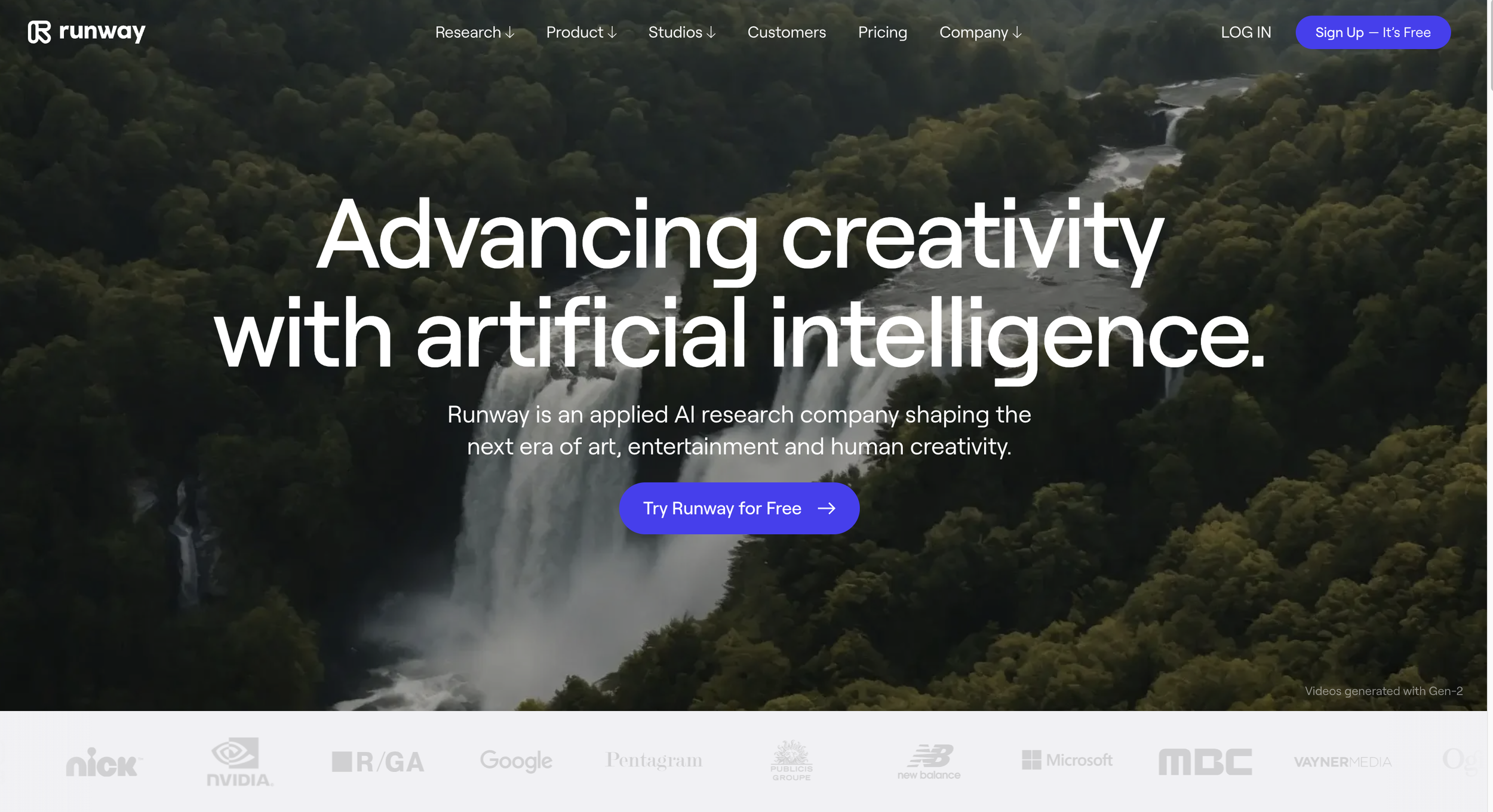
Runway AI, also known as Runway ML, takes image generation a step further by allowing you to create videos. Now, before you start thinking you're going to be the next Spielberg, keep in mind that videos are rendered in 4-second clips that can be extended to a maximum of 18 seconds. You may encounter some trial and error depending on the method you use to generate your clips, but once you get the hang of it, the results can be pretty impressive.
What's great is that Runway offers various ways to generate videos, such as text-to-video, image-to-video, or a combination of both. So, remember all those cool images you've been creating with MidJourney, DALL·E, and Stable Diffusion? You can take those images, import them into Runway, add some additional text prompts, and create really cool video clips.
Moreover, Runway provides excellent instructions and tutorials on their Runway Academy site to help you learn how to use all the various tools. Aside from their video creation options, they also offer text-to-image creation, voice-over tools, and image upscaling, allowing you to do all your creative work in one place if you like.
Runway used to highlight top videos created by its users during its beta testing phase but has since removed those. However, a search on YouTube will yield some really cool videos. You can even check out my Runway project here if you're interested in a movie about alien invasions.
#3 Gigapixel By Topaz Labs
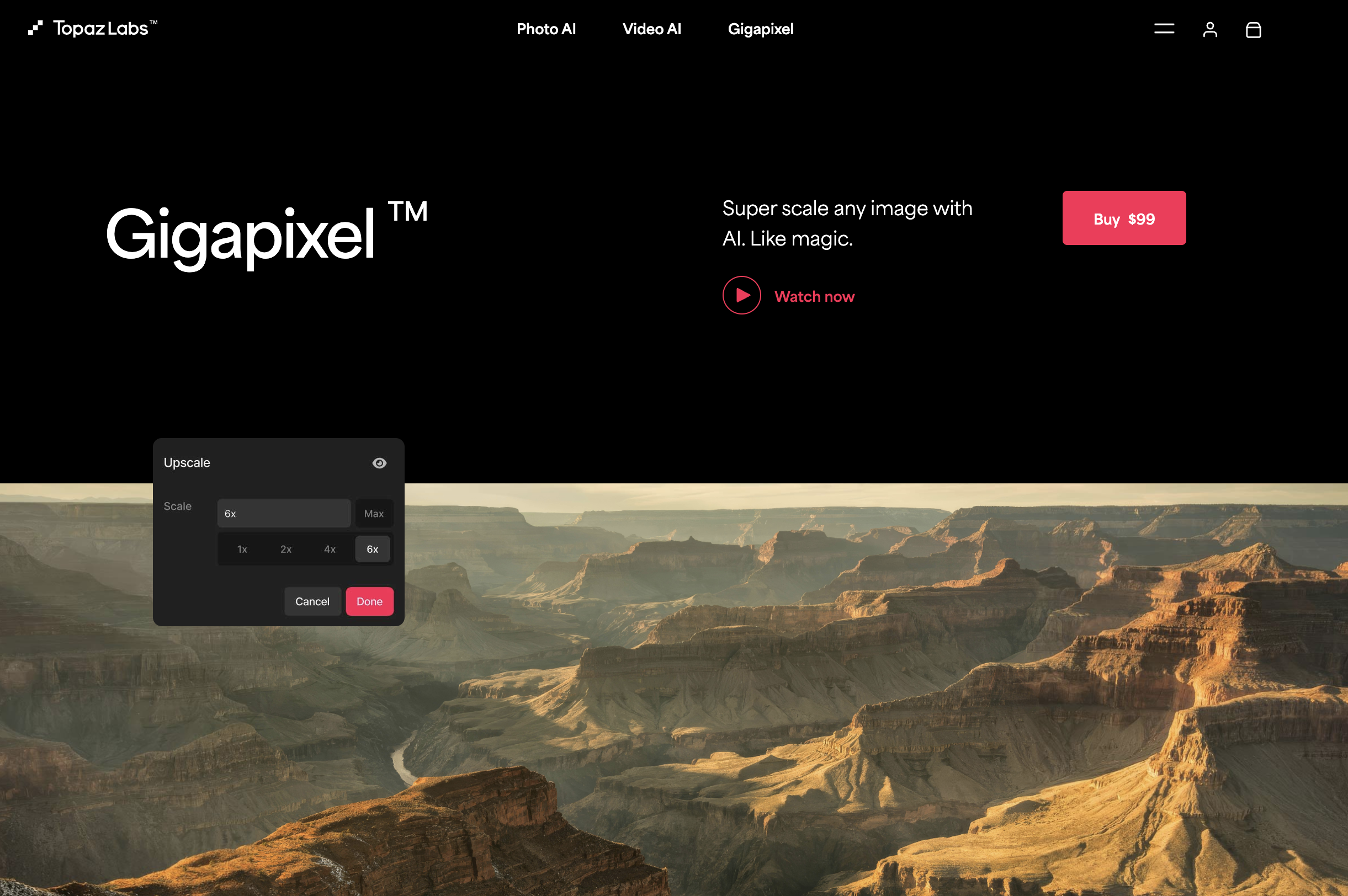
As you've seen, there are various AI image generation tools to choose from, but you'll find that most generate their images at lower resolutions to conserve compute costs. This means you're left with images at around 1024x1024 resolution. While that's not bad for thumbnails, if you plan to use the image for a wallpaper, t-shirt design, or wall art, you'll want a much higher resolution. This is where Gigapixel saves the day. You can upload your image into Gigapixel and upscale it by an astounding 600%! This isn't just blowing up the image size—Gigapixel samples your image and uses its trained AI model to make all the textures crisp, text clear, and edges non-pixelated. From my experience, it's hands down the best image upscaler on the market.
One thing to note is that Gigapixel is the one AI tool on the list that needs to run locally on your computer, meaning it has specific compute requirements. Since it performs heavy computations, especially when upscaling, you'll need a beefier processor and graphics card for smooth operation. The good news is that it's the only tool on the list that isn't subscription-based—you pay for it once and own the software for life, with free updates! That's super rare these days. And while the $100 price tag might seem a bit steep, if you're doing a lot of AI image generation or photo restoration, Gigapixel's power is unmatched.
#2 MidJourney
#1 Microsoft Co-Pilot
